Using the Oscilloscope with Other Software Oscilloscope External TriggerKeep Learning
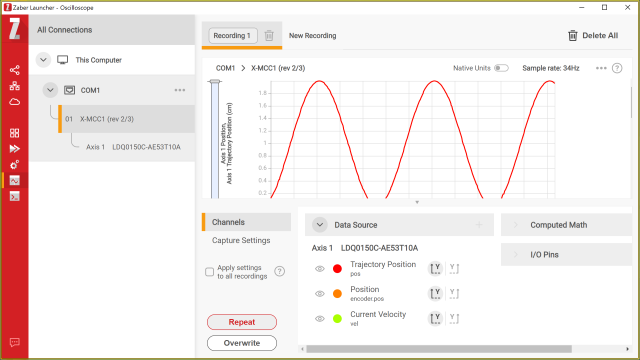
The Zaber Launcher Oscilloscope application has two special modes to aid interaction with experiment control software written using the
Zaber Motion Library. The Oscilloscope can be used to
display data captured under the control of another program, provided the data is stored on a Zaber device connected via serial or USB.
Externally Triggered mode waits for an external program to trigger data capture and then displays the resulting daya.
Download mode just retrieves and displays whatever data happens to be present on the device. You can use this to display experimental
data without having to synchronize the two programs.
What You Will LearnThis video shows how to set Externally Triggered mode to wait for data, and then how to trigger data capture with a Python script.
At the end it also shows how to use Download mode to re-display the data.
Oscilloscope External Trigger