Connecting to DevicesWhat You Will Learn Connecting Devices
To make use of any functionality in Zaber launcher, you must first connect it to some Zaber devices.
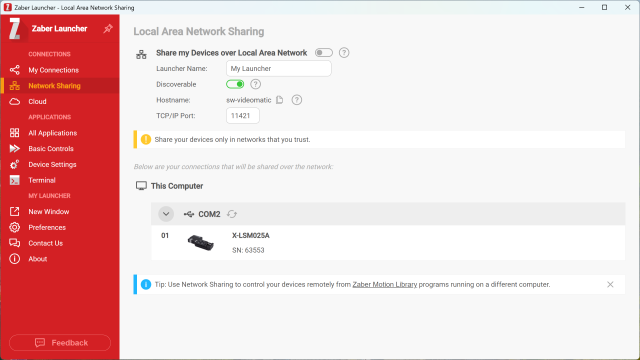
This video covers the basics of connecting to devices via RS-232 serial, USB or Ethernet connections. The physical part of the process where you hook up the cables and connect power is not covered here; see your product manual for that information.
Connecting DevicesNote that connecting to an Ethernet-enabled device using the special name based on the serial number depends on the mDNS service,
which is not well supported under older versions of Windows. If you have trouble connecting to a share on Windows 10, you can try
installing the Apple Bonjour Print Service (reboot after installing).
Keep Learning